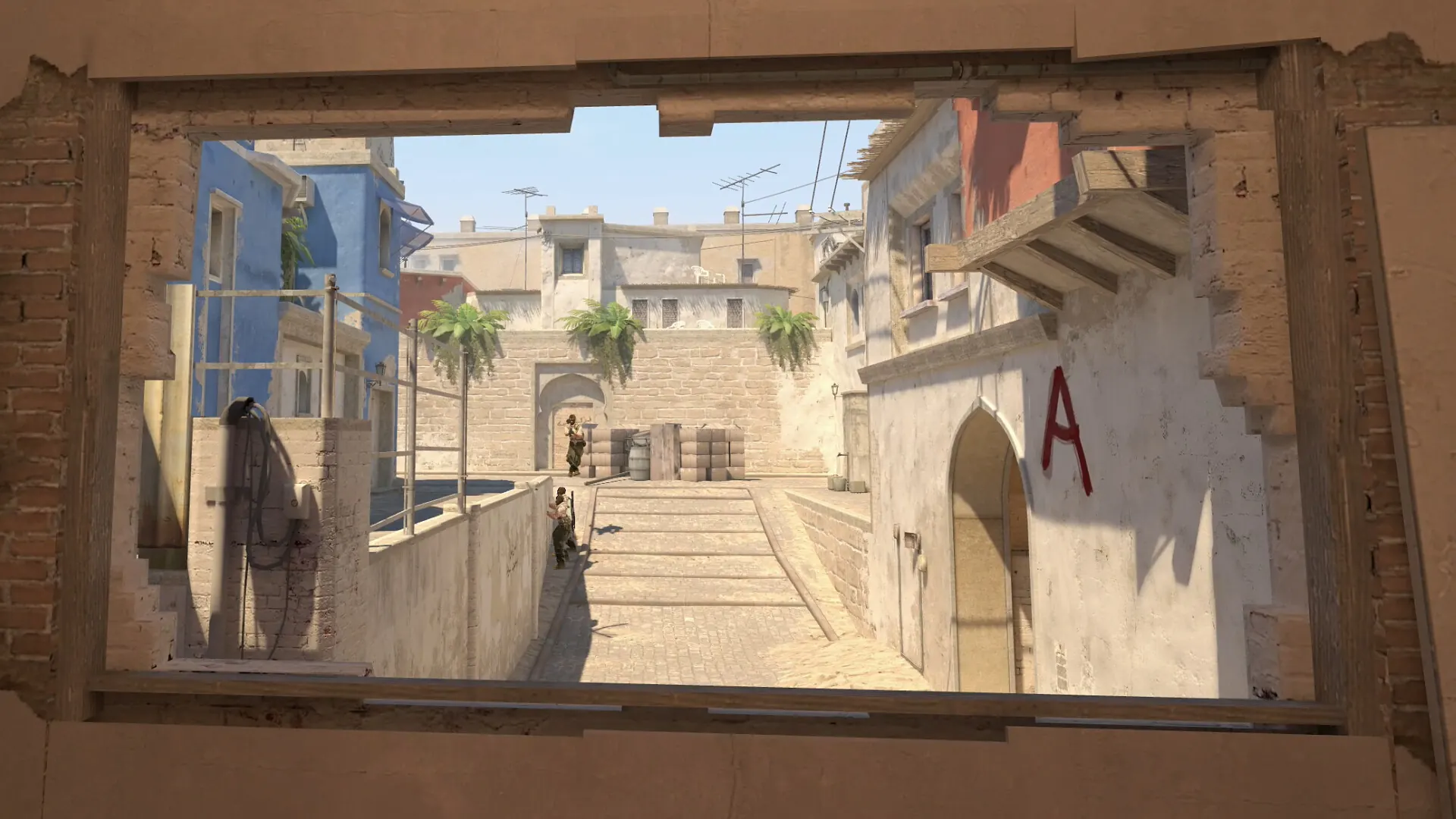
Start with the skill you want to train
“Practice” can mean very different things in CS2. A target map may help with mouse control, while a utility map is for learning a grenade landing point. A movement map may ask for repeated jumps or directional inputs. If you pick a map before deciding what you want to improve, a long session can feel busy without giving you a useful result.
Write one small goal before opening Workshop. Examples include “keep my crosshair at head height while clearing two angles,” “repeat one smoke lineup from the same starting mark,” or “finish an eight-minute target drill without rushing misses.” The goal should describe an action you can repeat, not a promised change in rank or win rate.
Choose the best CS2 training maps by practice goal
Use the table as a map-selection guide. It describes what to look for in Workshop, not a claim that a particular community map is currently available or endorsed by Valve.
| Map type | Useful for | What to repeat | Check in the listing |
|---|---|---|---|
| Aim or target practice | Warm-up, target acquisition, controlled flicks | A fixed target count or one time limit | Target speed, reset behavior, CS2 compatibility and hit/miss feedback |
| Smoke and utility practice | Repeating lineups and learning grenade landings | One grenade, starting position and landing zone | Commands, lineups, required settings and dependencies |
| Movement practice | Jump timing, route control or movement patterns | One route or sequence at a time | Keyboard requirements, checkpoints, reset controls and CS2 support |
| Peeking or pre-aim | Clearing corners and holding likely contact points | One angle from the same approach | Target configuration and a repeatable scenario |
| Recoil practice | Learning a weapon path or controlling a spray | One weapon, burst length and distance | Weapon coverage, reset behavior and drill documentation |
If a listing combines several modes, start with only one. Changing targets, weapons, sensitivity, distance and layout in the same session makes the result hard to interpret. Add another mode after you can explain what the first one is measuring.
CS2 aim training maps and warm-up maps
An aim training map is most useful when its target behavior matches the skill you want to rehearse. Static targets suit deliberate crosshair placement and controlled clicks. Moving targets make you track or adjust while the target changes direction. Target density can make a map feel intense, but extra targets do not automatically make the drill more useful.
Set a small rule before the first run: use the same target mode for five minutes and stop if misses begin to rise as you speed up. Judge clean hits and control together. If you want an online baseline that does not require opening CS2, the site's CS2 aim trainer records a browser target-acquisition drill. It does not simulate a Workshop map or CS2 movement physics, so use the two for different purposes.
CS2 smoke and utility practice maps
Utility practice works best when you isolate the throw. Select one grenade and one starting position, then repeat the setup before switching to another lineup. If a map has a marker, command or setup note, read it before entering the practice loop. A result from the wrong starting point is not a meaningful comparison with the lineup you meant to train.
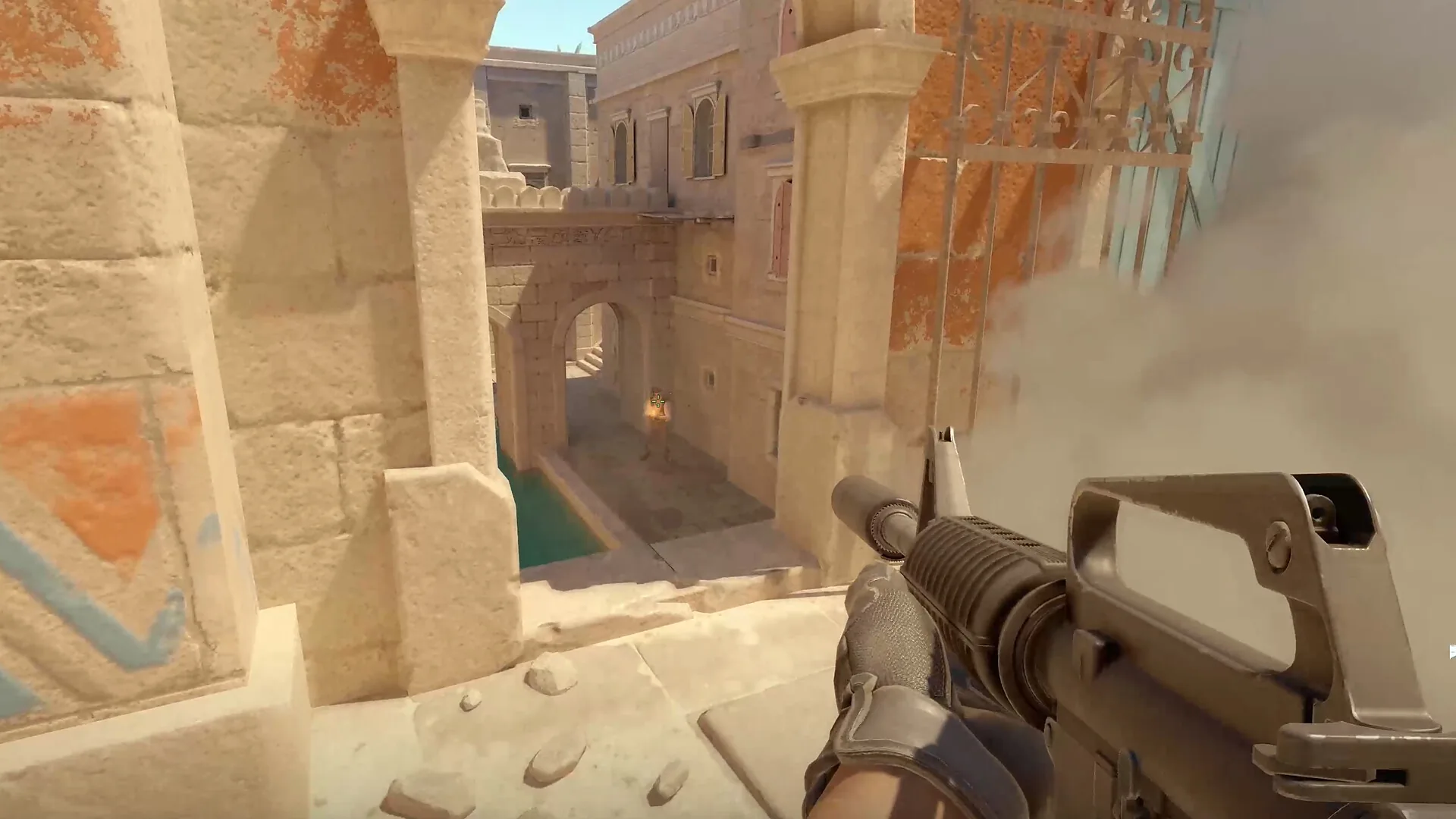
Do not assume a remembered lineup still lands the same way after a map or game update. Check the Workshop description and update notes, then verify the landing in the current game. A practice map can help you repeat a throw; it cannot confirm that a lineup is appropriate for every live round, opponent position or map revision.
Movement and peeking practice maps
Movement drills and peeking drills overlap, but they are not the same job. Movement practice may focus on a route, jump, counter-strafe input or timing sequence. A peek drill should make you manage an angle: approach from a chosen position, keep the crosshair near the likely contact point, expose yourself only as much as the task requires, then reset and repeat.
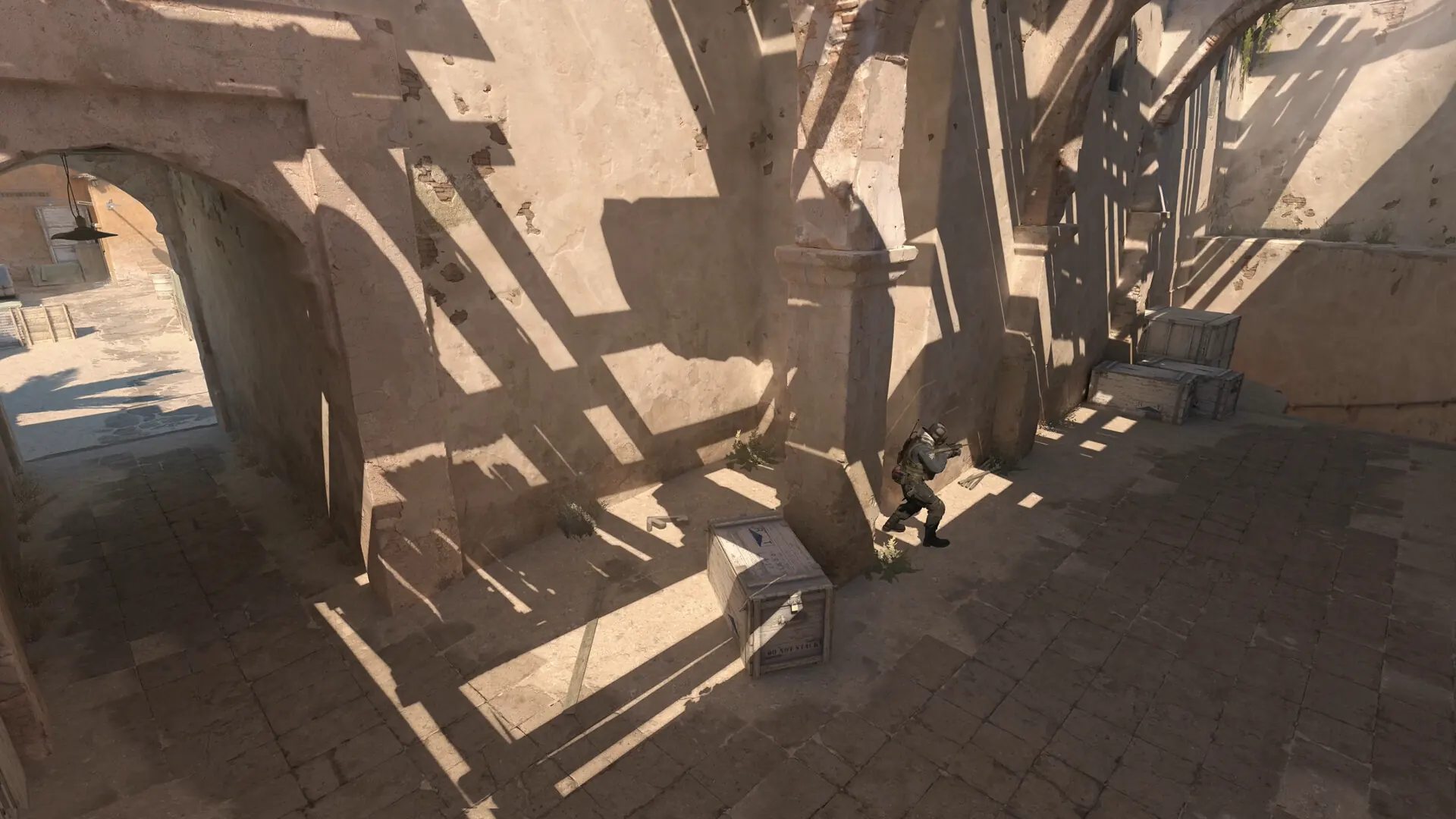
Pick one angle or movement pattern at a time. If a course requires A/D keys, jumps or a sequence of controls, confirm those inputs in the listing first. The site's CS2 movement trainer is a browser exercise for rehearsing A/D counter-strafe input order; it does not reproduce CS2 acceleration, hitboxes or server behavior. For head-height practice, use the crosshair placement trainer as a separate warm-up before checking the habit on a real map.
Recoil and other focused drills
Recoil practice can be useful when it asks you to follow a clear path with a single weapon or controlled burst. Check whether the Workshop map presents a real in-game pattern or an abstract exercise; do not infer that a browser score or a generic pointer path is official recoil data. The site's CS2 spray trainer is explicitly an abstract pointer-control drill, not a weapon-pattern reference.
For any CS2 practice map, prefer a task that can be restarted quickly. Fast resets make it easier to repeat the same input, notice a missed step and return to the starting condition. A long map with many unrelated rooms can still be enjoyable, but it is less useful when you only have time to train one detail.
How to choose a CS2 practice map in Steam Workshop
Open the Counter-Strike 2 Workshop index and browse CS2 Workshop maps for the skill you plan to train. Workshop content is community-made, so evaluate each listing on its own instead of assuming that popularity guarantees current compatibility or quality.
Before subscribing or launching a result, check these details:
- Confirm the game. Make sure the listing is associated with Counter-Strike 2, not a legacy CS:GO item with an unclear migration path.
- Read the instructions. Look for the drill objective, controls, setup steps and any required console commands.
- Check maintenance signals. Review the last update information and recent comments for evidence that the map still opens and its instructions match the current game.
- Understand the result. A hit count, completion time or score may omit misses, reset time or input errors.
- Start with one task. If the map fails to load or its instructions are unclear, choose another listing instead of installing a file from an unrelated mirror.
Why the live check matters (reviewed Oct 1, 2026). Steam's public community listings for Aim Botz - Aim Training (CS2) and 5e_aimhub displayed removal or incompatibility notices during this review. These are snapshots of user-made listings, not a judgment about the creators or every copy. Reopen the current item page and inspect its notes before relying on a map that older roundups still recommend.
Steam labels and Workshop availability can change. Use the current Steam interface to subscribe, launch or unsubscribe; this guide does not provide map files, third-party download mirrors or unverified Workshop IDs. Valve's Counter-Strike 2 page is the first-party reference for the game itself, while each Workshop item's own description is the source for that community map's controls and compatibility notes.
A 12-minute CS2 practice-map routine
This short plan is a starting point, not a performance prescription. Keep the same map, mode and input setup when comparing one session with another.
- Two minutes: warm up. Use an aim or target map at a controlled pace. Focus on clean starts and accurate clicks rather than setting a personal record.
- Four minutes: train one skill. Choose either one smoke, one movement pattern, one peek angle or one recoil task. Do not switch categories halfway through.
- Three minutes: repeat the same setup. Return to the same starting point and run the task again. Notice whether the error was in the setup, the input or the result.
- Three minutes: transfer to a real map. Rehearse the same kind of angle or utility in a current CS2 map or a low-pressure practice session. Keep the goal narrow enough that you can tell whether the habit transferred.
Record only a few notes: map name, task, date, number of clean repetitions and the one thing to adjust next time. A short log is more useful than comparing unrelated scores from different Workshop maps. If fatigue or frustration rises, stop and return later; repeated attempts after attention drops can train rushed inputs instead of control.
Workshop maps versus browser trainers
Use a Workshop map when the task depends on CS2's own environment: map geometry, utility landing, bots, weapon behavior or in-game movement. Use a browser trainer when you want a quick isolated exercise that opens without starting the game. This site's reaction, aim, movement, spray and crosshair tools measure their own browser interactions. They do not read CS2, change game settings, reproduce a server or certify a player's rank.
That distinction matters when a result changes. A lower browser reaction time can reflect familiarity with the test, display refresh, browser scheduling or input hardware. A better Workshop score can reflect a map-specific mechanic. Treat each result as a personal practice note under the same setup, not as a universal CS2 benchmark.
Limits and compatibility notes
Workshop listings and community maps may be updated, hidden or removed. Compatibility notes are written by each author and can lag behind a game update. This page therefore avoids calling any individual map “the latest,” “official,” or guaranteed to work. Recheck the live listing and test its instructions before relying on a map for a routine.
Practice maps also simplify real matches. A static lineup does not account for an opponent changing position. A bot drill does not recreate every peek, utility combination, teammate call or server condition. Use maps to repeat a specific action, then confirm that the habit makes sense in a live round. If the task is about a real angle, use the current in-game geometry instead of treating a diagram or score panel as game telemetry.
CS2 training maps FAQ
What are the best CS2 training maps?
The best map depends on what you want to repeat. Start with an aim map for target control, a utility map for one lineup, a movement map for one route or input, and a peek map for clearing one angle. Verify the current Steam Workshop listing rather than relying on an old map ID.
What is a CS2 peek practice map useful for?
A CS2 peek practice map gives you a repeatable angle to clear from a fixed starting position. Use it to rehearse crosshair height and exposure, then test the habit on current in-game geometry.
Which CS2 practice map should I use for aim training?
A CS2 training map for aim practice should match your target behavior and reset goal. Static targets help with deliberate placement; moving targets add tracking and adjustment. Keep the mode and time limit fixed so you can compare the same drill.
Are CS2 smoke practice maps still useful after updates?
They can help repeat a lineup, but check the listing's update notes and verify the throw in the current game. Do not assume a saved position or old video still matches current map geometry.
How do I practice smokes in CS2?
Choose one smoke and one current CS2 map, then use a Workshop utility drill or a private practice session to repeat the same starting position and throw. Review the current instructions on the item page and verify the landing in the live game before treating it as a dependable lineup.
Where can I find CS2 maps for grenade training?
Start at the Counter-Strike 2 Workshop on Steam and search for the map or grenade task you want. Open the map page to confirm it is for CS2, read its instructions and recent notes, and check for compatibility notices before subscribing.
Can I use a browser aim trainer instead of a Workshop map?
You can use a browser trainer for a quick isolated pointer drill, but it does not reproduce CS2 weapons, bots, map geometry or movement physics. Use Workshop when those game-specific elements matter.
How do I know whether a CS2 Workshop map is compatible?
Check that the listing is for Counter-Strike 2, read the author's current description and update notes, and look for recent reports that it loads. If the instructions point to an unrelated download or are unclear, do not follow them.
Do CS2 practice maps improve rank automatically?
No map guarantees a rank change. A practice map gives you a repeatable task; improvement depends on selecting a relevant skill, using feedback and transferring the habit into real rounds.
A practical way to use CS2 training maps
Choose one goal, verify one current CS2 Workshop listing, repeat one task and note a small number of results. Use aim, utility, movement, peeking and recoil maps for the mechanics they actually train; use the site's browser tools for separate quick drills. This keeps the practice map useful without overstating what a score can prove.
Official sources and community listings
- Counter-Strike 2 by Valve
- Counter-Strike 2 Workshop on Steam
- Community listing snapshots checked Oct 1, 2026: Aim Botz - Aim Training (CS2) and 5e_aimhub.