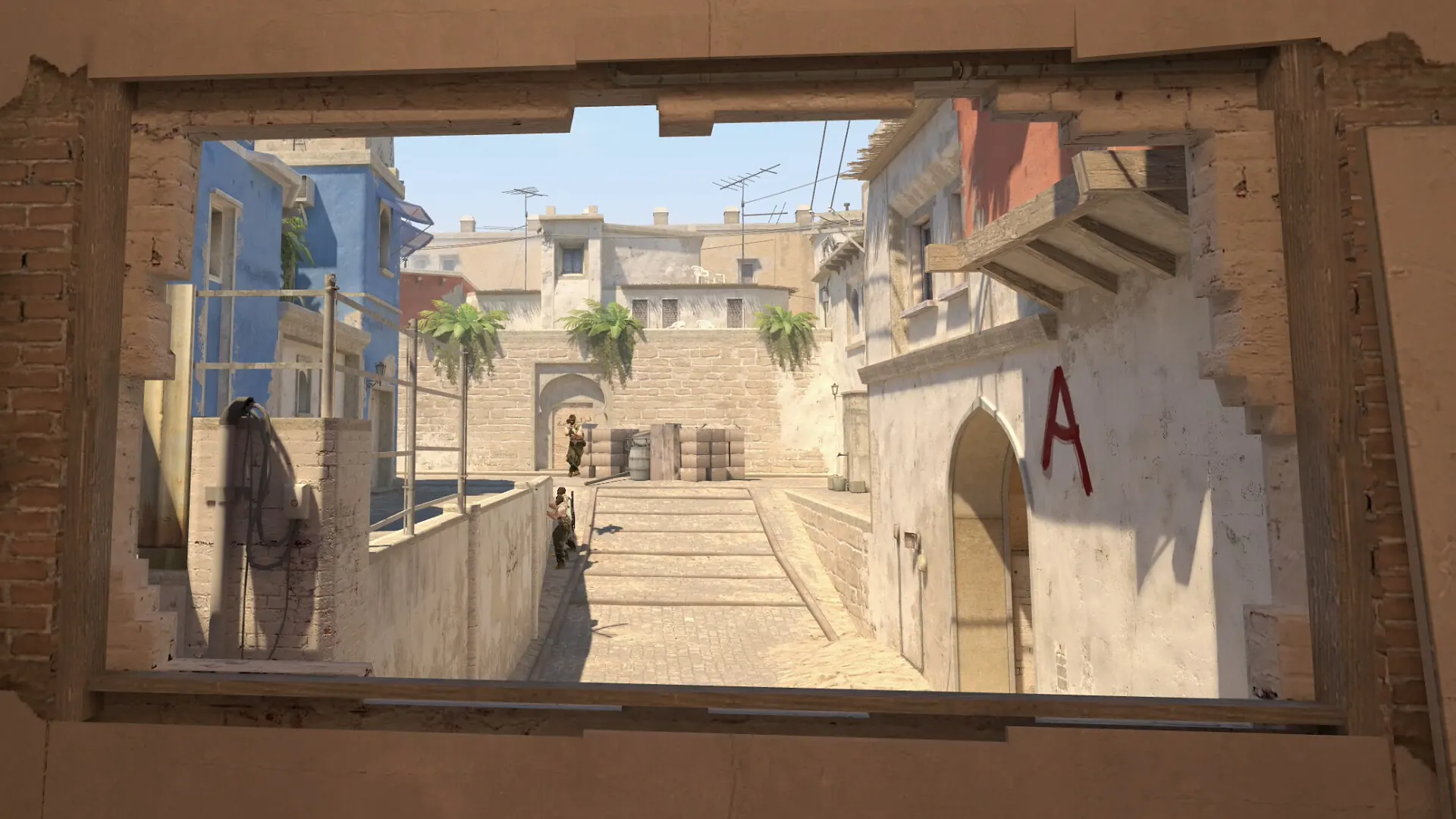
What a CS2 warmup should accomplish
Warmup is a transition, not a second training block. You are moving from a cold desktop state into the visual attention, mouse control and keyboard timing that a match asks for. A useful CS2 warmup gives you one or two signals: whether your crosshair is settling, whether your first movement input feels deliberate, and whether fatigue is already changing your errors.
Pick a single emphasis before opening a map or tool. For example, choose “head height on two angles,” “clean counter-strafe before the first shot,” or “keep the first ten bullets controlled.” That sentence is more useful than an open-ended goal such as “get better aim.” It also makes it easier to stop when the signal is good enough.
Keep the setup stable. Use the same display, sensitivity, pointer, browser and input method when you compare sessions. Close work that can steal focus, let the game or browser finish loading, and give yourself one unrecorded attempt. The first run often contains hand-position and attention noise; it is a poor place to declare that a setting changed your skill.
The 12-minute CS2 warmup routine
The default plan uses one task at a time. Start with a low-pressure pointer block, add keyboard or recoil control, then take the same idea into a current map. If a block feels rushed, shorten it rather than adding speed. The order matters because it keeps a warm hand from hiding a weak first input.
- Minute 0-1: clear the setup. Check fullscreen or browser focus, place your hand naturally and decide the one skill you will watch. Do not record a result yet.
- Minute 1-4: settle crosshair and aim. Use a fixed target or a simple angle. Prefer clean clicks and head-height placement over frantic target switching. The CS2 crosshair placement trainer is useful when height is the variable; the CS2 aim trainer is useful when target acquisition is the variable.
- Minute 4-7: add movement timing. Rehearse one A/D sequence, one stop and one shot. The CS2 movement trainer records cue response and shot delay in the browser; use a Workshop or private session when acceleration, velocity and live map geometry are the point.
- Minute 7-10: choose spray or utility. Follow one short recoil path or repeat one grenade setup. The CS2 spray trainer is an abstract pointer-control signal. For commands and a private practice setup, use the CS2 grenade practice commands page and verify the current game behavior.
- Minute 10-12: transfer one habit. Enter a current map or low-pressure practice round. Clear one angle, take one controlled duel or repeat one utility throw. The transfer step is where you check whether the warmup idea survives real spacing and timing.
A warmup is complete when you can name the signal you saw. “My first two clicks felt controlled and my counter input was early once” is useful. “I played until the score looked good” is not a repeatable protocol.
Choose the right CS2 warmup drill
Search demand for CS2 warmup also includes maps, commands and servers. Those phrases are related, but they do not describe the same job. Use this table to choose the narrowest task that answers your current question, then follow the matching page instead of stacking every mode into one session.
| Warmup goal | Best starting drill | Signal to watch | Stop or move on when |
|---|---|---|---|
| Wake up visual timing | Reaction or simple target clicks | Median response and early clicks | You can respond without guessing the cue |
| Set head height | Crosshair placement lane or one map angle | Vertical error and clean first correction | Two or three clean repetitions are stable |
| Rehearse a stop | A/D counter-strafe sequence | Opposite-key order and shot delay | Errors come from rushing rather than forgetting the order |
| Control a short spray | One weapon pattern in game or a pointer trace | Control breaks and reset quality | You can repeat the same burst without chasing speed |
| Transfer to a map | One angle, route or utility setup | Same crosshair line and decision timing | The task becomes a full match instead of a focused check |
Warmup maps are a choice, not a requirement
A CS2 warmup map is useful when you need bots, real weapon behavior, map geometry or a repeatable Workshop reset. Start with the CS2 training maps guide when you need to compare aim, movement, peeking, recoil or utility categories. For the movement decision and repeatable angle sequence, see the CS2 peeking practice guide. Check the live Steam Workshop listing and its recent notes; community maps can change or disappear, and a remembered map ID is not a compatibility guarantee.
Commands belong to the private-practice workflow
Queries such as CS2 warmup commands, how to skip warmup CS2 and how to end warmup CS2 have an operational intent. They belong with a current command checklist, not in the middle of a general warmup plan. Use the site's grenade practice commands page for private-session setup, then return here to decide what to practice and when to stop. Keeping those jobs separate prevents a server command from being mistaken for a skill routine.
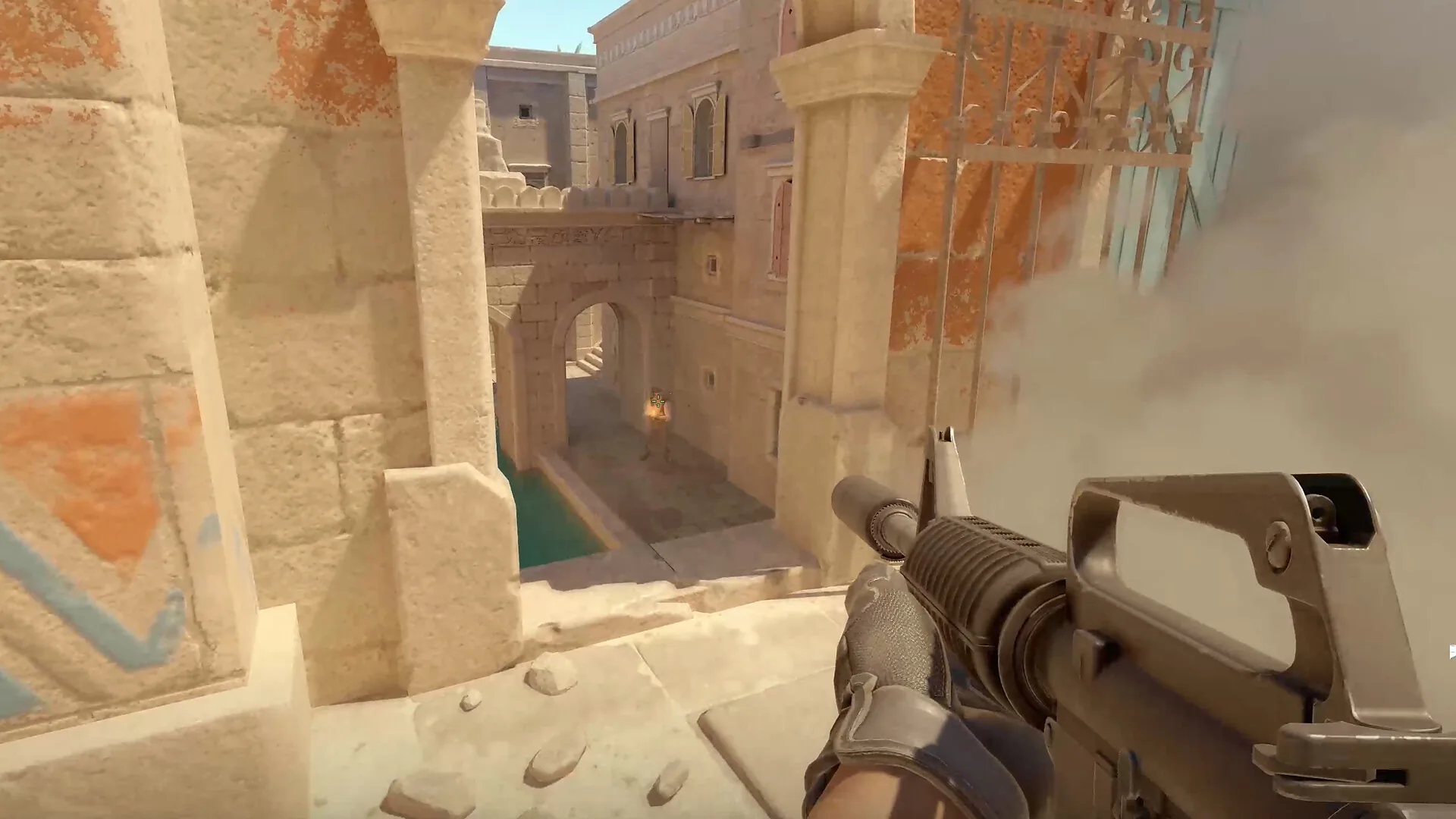
Use a 5-minute or 20-minute version when needed
The 12-minute routine is a default, not a test of discipline. Your available time and the match context should decide the length. Keep the same order so a shorter or longer session still has a recognizable baseline.
| Time | Plan | Best use |
|---|---|---|
| 5 minutes | One minute setup, two minutes aim or crosshair, two minutes on one map angle | Queueing soon or returning after a short break |
| 12 minutes | The full sequence: aim, movement, spray or utility, then transfer | Normal pre-match baseline and weekly comparison |
| 20 minutes | Repeat one weak block, add a second map angle or verify one utility action | Deliberate practice before a session, not before every match |
Do not expand a short warmup by adding unrelated modes. If your crosshair line is the issue, use the extra time on two angles. If your stop input is the issue, repeat the same A/D sequence. A longer list can feel productive while making it impossible to tell what changed.
Compare CS2 warmup sessions without fooling yourself
Browser drills and Workshop maps give different kinds of feedback. A browser result includes display refresh, browser scheduling, operating-system focus and pointer or keyboard events. A Workshop result includes game frame timing, map geometry, weapon behavior and server conditions. Neither number is a universal CS2 rating.
- Keep the environment fixed. Use the same display, browser, sensitivity and input device for the comparison.
- Record the middle, not the highlight. In a browser drill, compare the median and error count. In a map drill, compare the same task and reset condition.
- Change one variable. If you changed sensitivity, sleep, display refresh and warmup length together, you cannot assign the result to one cause.
- Use two recorded attempts. One warmup run can be an attention outlier. Two comparable runs show whether the signal repeats.
- Log the next adjustment. Write the map, task, date and one change for the next session. Do not turn the log into a leaderboard.
For a quick browser baseline, start with the CS2 reaction, flick and tracking lab. For a general visual reaction check, use the reaction time test. Treat those results as warmup signals only; they do not predict a rank, FACEIT level or in-game duel outcome.
When to stop the warmup
Stop when the task has done its job. Rising misses, repeated early clicks, a tightening grip or a growing urge to chase one score are signs that more repetitions may add fatigue instead of control. Move into the match with a simple intention, or take a real break if you are already frustrated.
A warmup also should not become a substitute for review. If you repeatedly lose the same angle, watch a demo, inspect your crosshair placement and choose one situation to rehearse later. The routine prepares your input; it cannot diagnose every decision made in a live round.
CS2 warmup routine FAQ
How long should a CS2 warmup be?
Use 5 minutes when you need a quick reset, 12 minutes for the default routine, and up to 20 minutes when you need extra movement or utility work. Stop when the task becomes rushed or your error rate rises.
What should I do first in a CS2 warmup?
Start with a low-pressure crosshair and aim block, then add movement or recoil control. The first block should settle your hand and give you a clear signal before you add speed.
Are CS2 warmup maps better than browser trainers?
Use a Workshop map when you need CS2 geometry, weapons, bots or utility. Use a browser trainer for a fast isolated reaction, aim, movement or pointer drill. They measure different environments and should not be treated as interchangeable scores.
Can I use the CS2 warmup routine before every match?
Yes, if the routine stays short and repeatable. Keep the same order for a week, change one variable at a time and shorten the session when fatigue or frustration starts to change your inputs.
How do I compare two CS2 warmup sessions?
Use the same display, browser, sensitivity, input method and task. Compare the median and error pattern across two recorded runs instead of chasing one unusually fast attempt.
How do I skip or end warmup in CS2?
Skip and end commands depend on the private practice or server context. Use the CS2 grenade practice commands page for a current command checklist. This guide focuses on a player warmup routine, not server administration.
A repeatable CS2 warmup beats a longer checklist
Use one minute to settle the setup, three minutes for crosshair and aim, three for movement, three for spray or utility, and two to transfer one habit into a current map. Choose the narrowest drill that answers your question, keep the environment stable and stop when the signal is clean. That is enough to make a CS2 warmup useful without turning a practice number into a promise about rank.