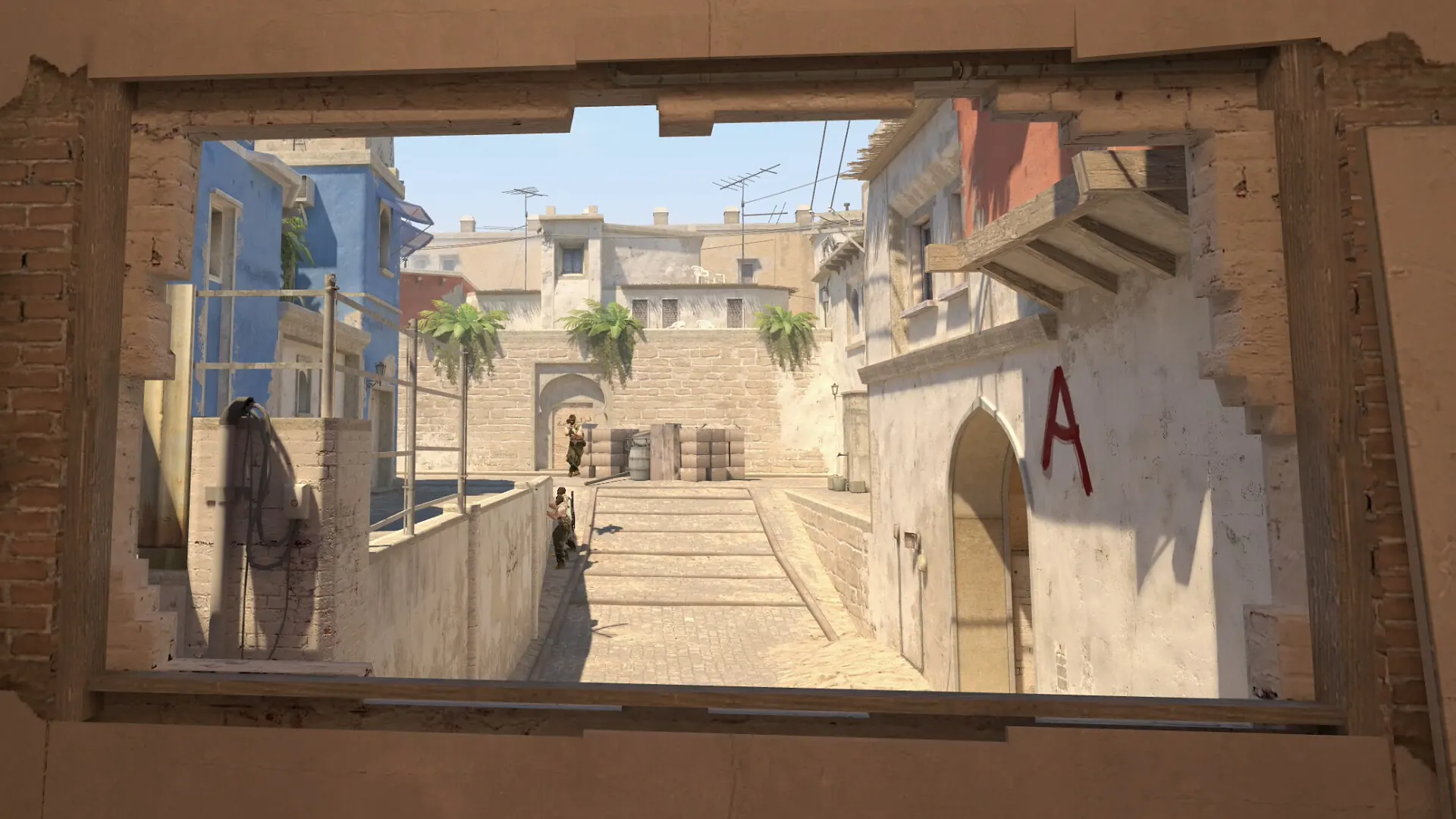
What good CS2 aim practice should accomplish
Aim is a group of skills, not one number. Crosshair placement is about starting at a useful height and line. Target acquisition adds a controlled movement and click. Tracking asks you to stay with motion. Recoil and movement add keyboard timing, weapon behavior and map context. A session becomes hard to learn from when all of these change at once.
Write one sentence before you start: “I will keep head height through two angles,” “I will click only after the target is centered,” or “I will stop before the first shot after an A/D input.” That sentence gives the session a pass condition. It also helps you choose between the site's crosshair placement CS2 drill, online CS2 aim trainer and counter-strafe trainer.
Keep the comparison setup fixed. Use the same display, sensitivity, mouse, browser or Workshop map, target mode and time limit. Give yourself one unrecorded attempt to settle your hand. The first cold run often mixes attention and hand-position noise with the skill you meant to observe.
A 10-minute CS2 aim practice routine
The order moves from a quiet visual check to a short task and then a map transfer. It is short enough to repeat before a match, but each block has a reason and a stop condition.
- Minute 0-2: settle the line. Pick two likely contact heights and move between them without clicking. Keep the crosshair near head level, note one correction and stop once the path feels deliberate.
- Minute 2-5: acquire targets cleanly. Run a fixed target drill. Aim for controlled hits, not a record pace. The site's CS2 aim trainer reports hits, misses, accuracy, average hit time and best streak in a local browser run.
- Minute 5-7: add one input. Choose either a short A/D stop, a controlled burst or one repeated correction. The CS2 spray trainer is an abstract pointer signal; use the game when weapon behavior is the thing you need to learn.
- Minute 7-9: transfer the habit. Enter a current map or a Workshop drill and repeat one angle, target lane or approach. Do not open a full match as a test of everything at once. Check whether your starting crosshair and first input survive real spacing.
- Minute 9-10: review the error. Write one observation: late correction, low crosshair, rushed click, missed stop or stable transfer. If errors rise because you are tired, end the session instead of adding speed.
A completed routine should leave you with a next action, not a vague feeling. “Keep the line through the second angle” is a usable note. “My aim felt bad” cannot tell you which block to change tomorrow.
Choose the drill that matches the problem
The phrase CS2 aim practice can describe browser clicks, Workshop maps or a pre-match warmup. Use this table to keep the intent boundaries clear. A related keyword belongs in a section or an internal link when the page already owns the better answer.
| Problem to inspect | Best starting drill | Signal to record | Move on when |
|---|---|---|---|
| Crosshair starts low | Two fixed angles or the crosshair placement drill | Vertical corrections before the click | Three clean passes use the same height |
| Clicks are rushed | Fixed target acquisition with a slower cue | Accuracy, misses and best streak | Speed no longer costs a miss |
| Stops feel late | One A/D counter-strafe sequence | Opposite-key order and shot delay | The order is automatic at a controlled pace |
| Spray breaks early | One weapon, short burst and reset | Control breaks and reset quality | The same burst repeats without chasing distance |
| Practice does not transfer | One current map angle after the drill | Starting line and first decision | The task remains focused instead of becoming a match |
Aim practice maps versus browser drills
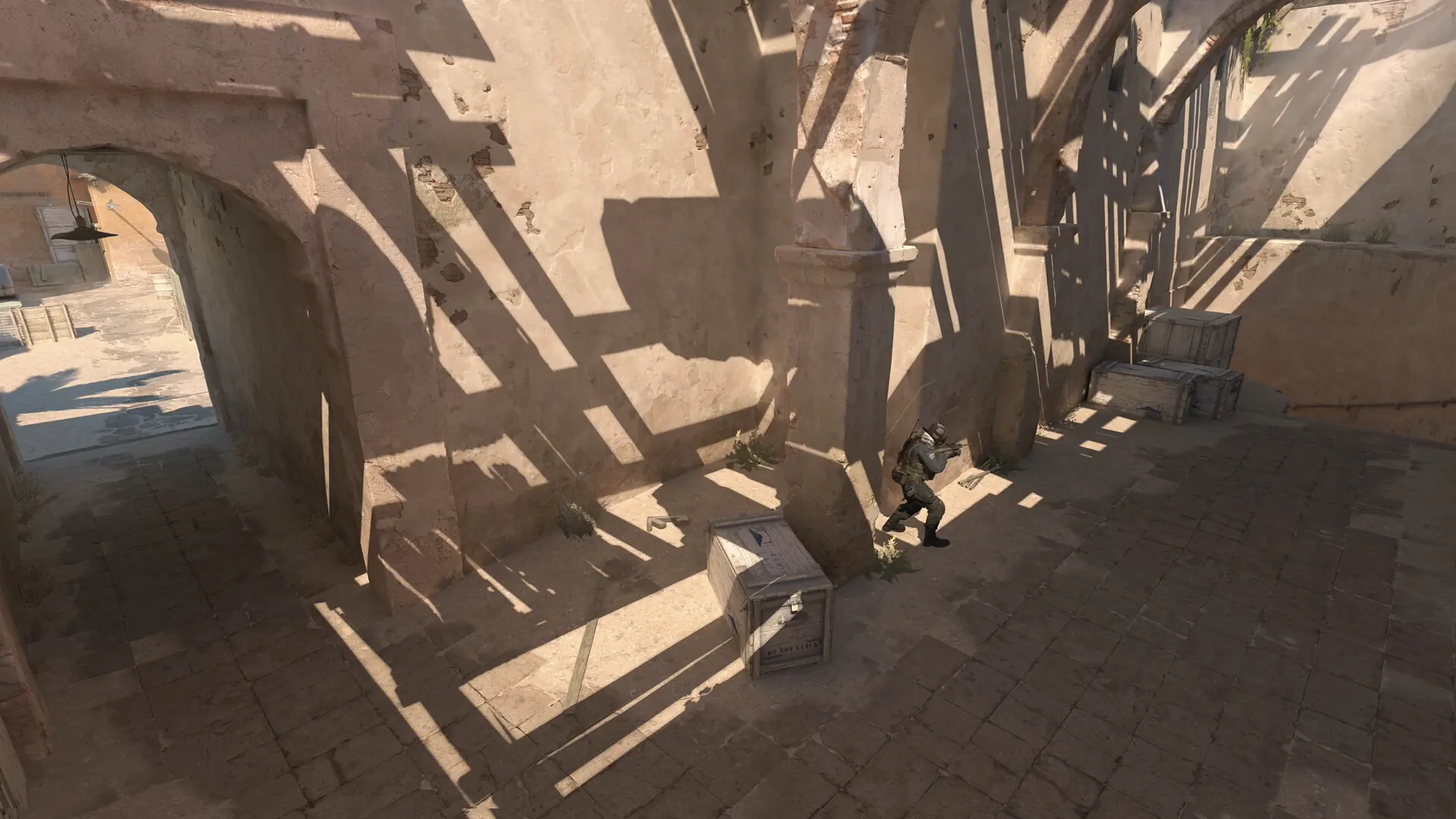
Use a Workshop or private practice map when the task depends on CS2 geometry, bots, weapon behavior, utility or movement physics. For a CS2 aim practice map, start at the CS2 training maps guide to compare aim, utility, movement, peeking and recoil categories. Read the current Steam listing before subscribing: community maps can be updated, hidden or removed, and an old map ID is not a compatibility guarantee.
Use a browser tool when you want a fast isolated pointer exercise without loading the game. The browser aim trainer can show a short target-acquisition pattern, while the site's home reaction and tracking lab separates visual response from spatial control. These tools do not read CS2 files, reproduce server timing or predict a rank.
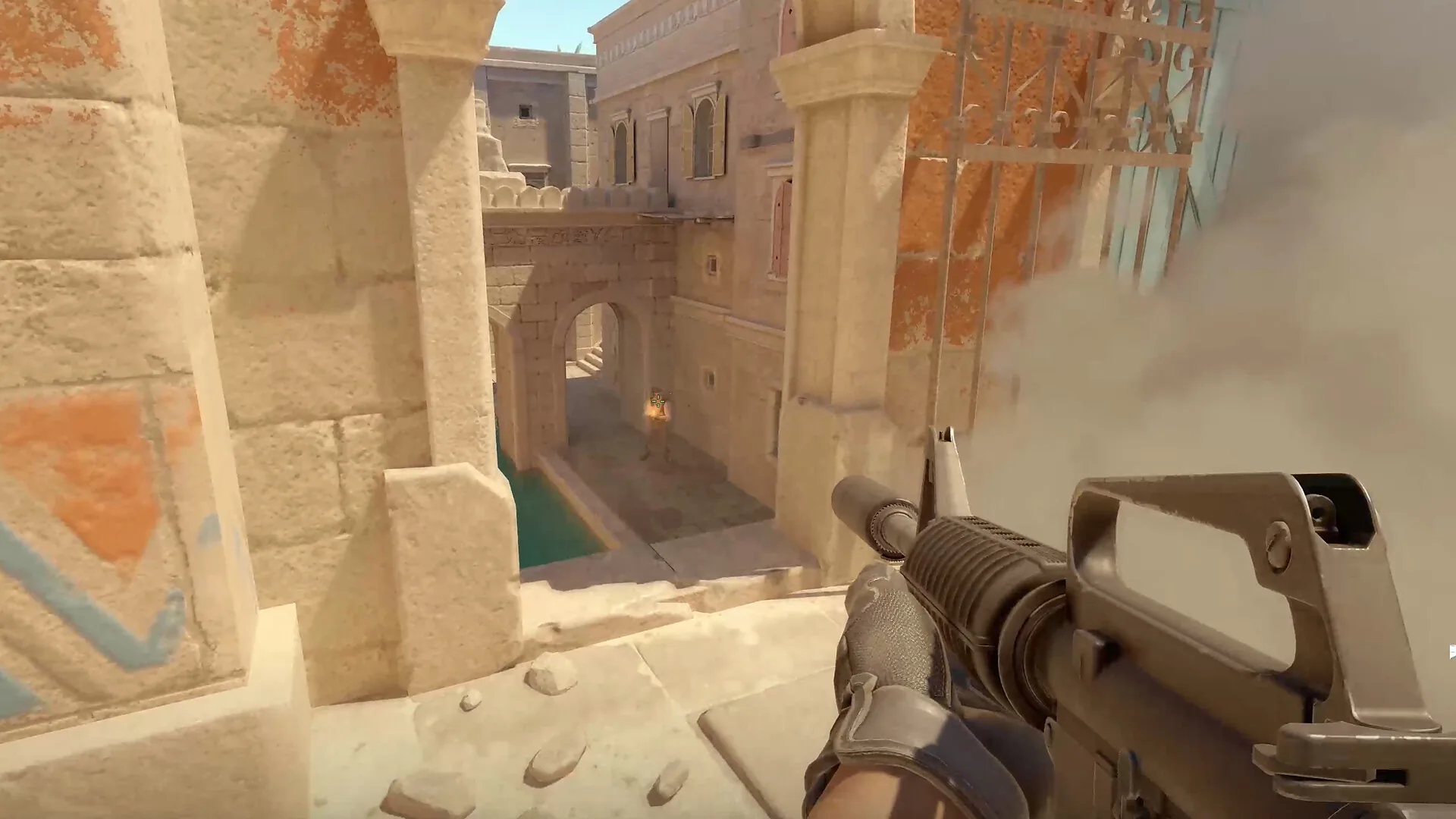
Commands such as how to skip warmup CS2 or how to end warmup CS2 have an operational intent. Keep them on the CS2 grenade practice commands page and use this guide for selecting the skill and sequence. The existing CS2 warmup routine is the better internal link when the reader needs a full pre-match order rather than an aim-focused block.
How to compare two aim practice sessions
Compare like with like. Keep the same display and refresh rate, mouse and sensitivity, browser or map, target size, time limit and warm-up order. Run one unrecorded attempt, then two recorded attempts. Note the date and the one variable you changed; otherwise a lower number may simply reflect familiarity with the drill.
| Metric | What it can show | What it cannot prove |
|---|---|---|
| Accuracy and misses | Whether faster movement is costing clean hits | How you will perform against a live opponent |
| Median or average hit time | Within-drill pace under the same setup | A calibrated mouse, display or server latency |
| Best streak or spread | Whether control holds across a short run | A universal percentile or official skill rating |
| Map transfer note | Whether the starting line survives real spacing | Guaranteed rank improvement or aim “muscle memory” |
Five mistakes that make practice hard to read
- Changing the task every minute. Pick one signal and finish its short block before switching.
- Chasing a best attempt. Use the median, accuracy and error pattern; one highlight click is not a baseline.
- Using an old Workshop recommendation. Reopen the live listing and read current compatibility notes.
- Confusing a browser score with game telemetry. A browser drill measures its own surface and timing path.
- Practicing after attention drops. Stop when fatigue changes the input, then return with a clean setup.
CS2 aim practice FAQ
How to practice aim in CS2: where should I start?
Use one block for crosshair height, one for controlled target acquisition, one for a movement or recoil input, then transfer the same idea to one current map angle. Keep the setup stable and write down the error that you can act on next time.
How long should a CS2 aim practice session be?
Ten minutes is enough for a focused baseline: two minutes to settle, three for targets, two for one input, two for transfer and one to review. A shorter session is better than adding tired repetitions after the signal becomes noisy.
What is the best aim practice map in CS2?
There is no single best map for every aim problem. Choose a current Workshop listing whose target behavior, reset control and instructions match the skill you want to repeat. Verify the live page before relying on an older recommendation.
Should I use an aim trainer or an aim practice map?
Use the browser CS2 aim trainer for a fast pointer baseline. Use a map when bots, weapons, geometry or movement physics matter. They complement each other but their scores are not interchangeable.
Should I practice crosshair placement before flicks?
Usually start with the line and height, then add target speed. Separating those signals makes it easier to tell whether a miss came from the starting crosshair or the click itself.
Can aim practice maps improve my CS2 rank automatically?
No. A practice map provides a repeatable task, not a rank guarantee. Improvement depends on a relevant goal, useful feedback and transferring the habit into real rounds.
Why does my browser aim result differ from CS2?
A browser surface includes its own display, browser scheduler, operating system and pointer path. CS2 adds game frames, weapons, movement, map geometry and server behavior. Compare each environment with its own history.
A small, repeatable aim block is enough
Use two minutes to settle crosshair height, three for clean target acquisition, two for one movement or recoil input, two to transfer the idea to a current map and one to review the error. Choose the page or map that matches the signal, verify community listings before relying on them and compare repeated runs instead of one fast number.